
How to Log In to Your Account?
If you already have an account, follow these steps to log in.
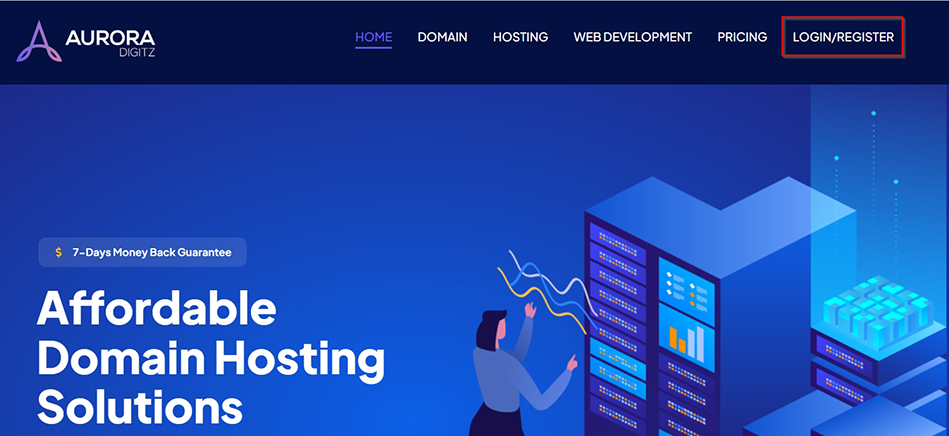
Step 1: On the Aurora Digitz homepage, click the "Login/Register link.
Step 2: The login form will appear, as a new page.
Login Form Fields:
-
Email Address: Enter the email address you used during registration.
-
Password: Type your account password.
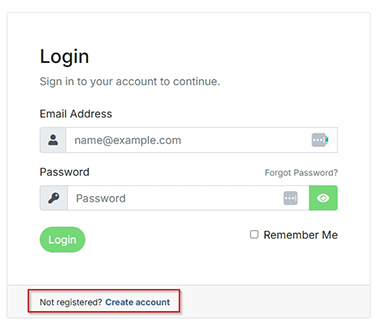
Step 3: After entering your credentials, click the "Login" button. You will be redirected to your customer dashboard.